Hardware·Clara Nguyen·
Home Office Hardware in 2026: A Practical Setup Guide
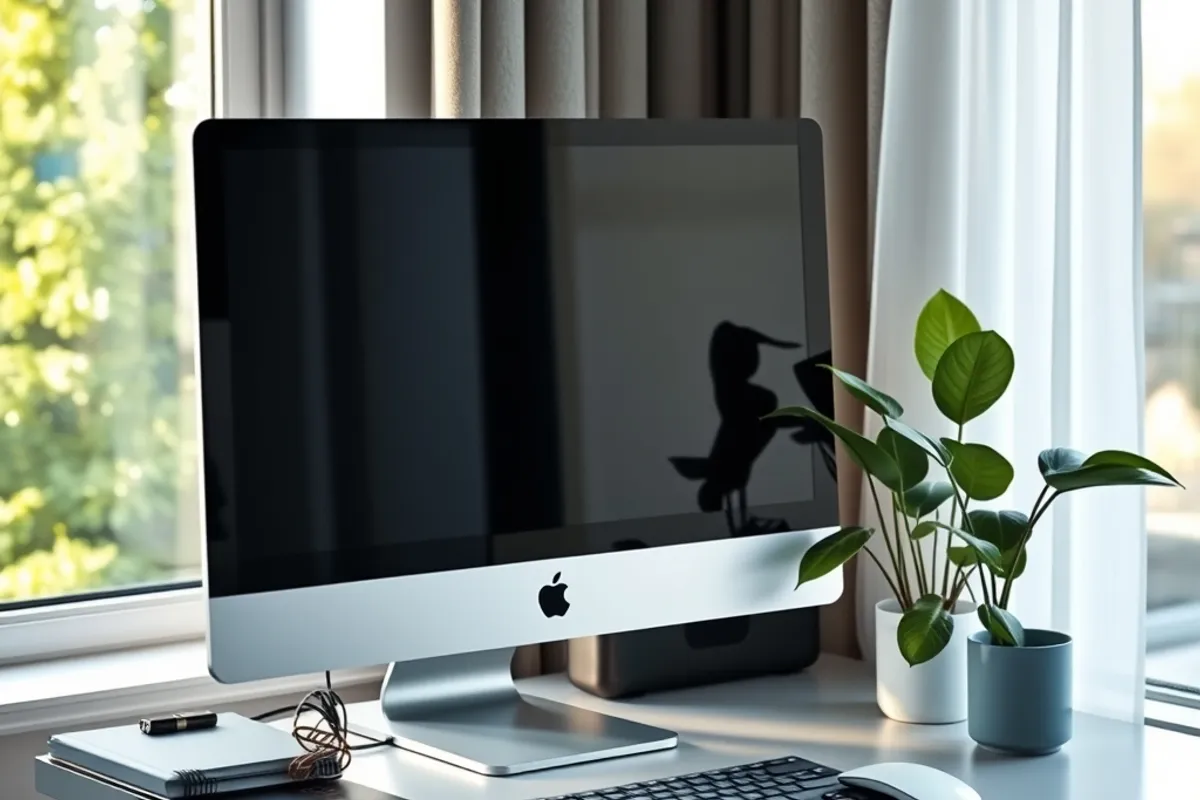
A home office is not a shopping list. It is a small system. Here is the order that improves comfort fastest, and where spending more stops helping.
Key facts
- The monitor and chair change comfort more than the computer
- One large screen beats two small ones for most focused work
- Lighting should come from the side, not behind the screen
- Buy the cheapest item that solves the problem, then upgrade what you touch most
A home office accumulates in the wrong order. People buy a desk, then a monitor, then a lamp, then a dock, and discover after six months that the screen is too high and the light reflects off it. The result works, but it is not comfortable.
The better approach is to fix the things that touch your body first, then the things that touch the computer. Comfort compounds; a small change to screen height can remove a headache that no faster processor will fix.
Start with the chair and the screen
The chair decides how long you can sit without shifting. You do not need an expensive one, but you do need adjustable height, a back that supports your lower spine and a seat depth that lets your feet rest flat. A cushion can fix a cheap chair; nothing fixes a chair that is the wrong height for the desk.
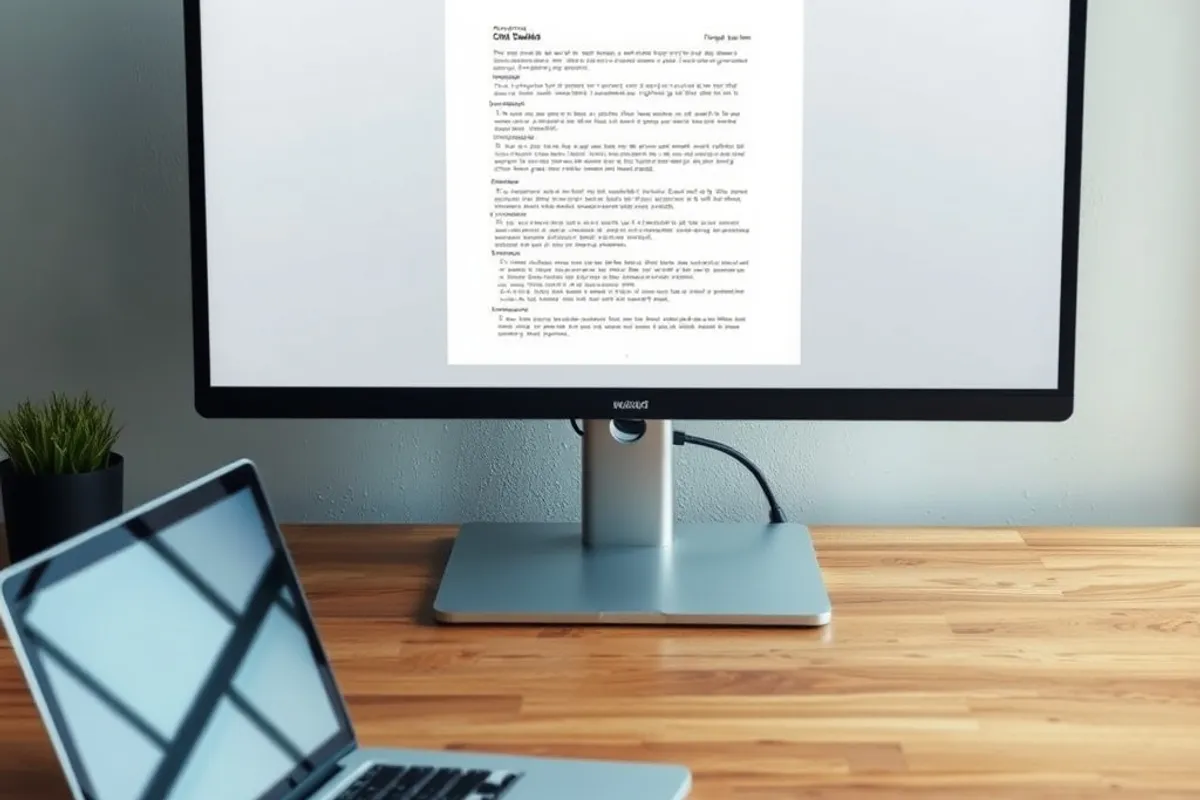
The screen should sit at roughly arm's length, with the top of the display near eye level. One large monitor is simpler than two small ones for focused work, and it removes the seam in the middle of a document. If you use two screens, angle them rather than placing them in a straight line.
Keyboard, mouse and the surface
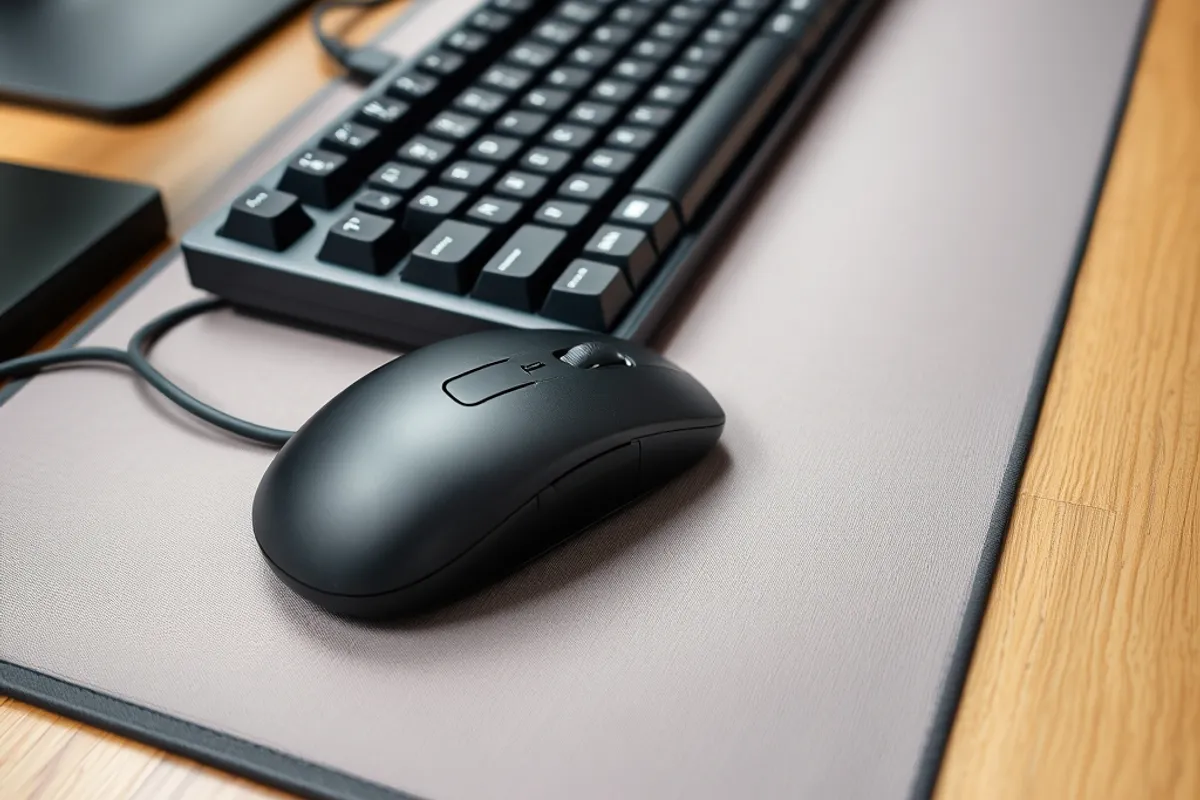
The keyboard and mouse are the parts you touch all day. Buy the layout you type on comfortably, not the one with the most features. A separate keyboard lets you raise the screen without raising your hands, which is the whole point of a desktop setup.
The desk surface matters less than its height and depth. You need enough depth to push the monitor back and enough height to sit with your elbows near ninety degrees. A cheap desk with a riser can work better than an expensive one that is too shallow.
Buy the cheapest thing that solves the problem, then spend on the thing you touch most.
Light and sound
Put the light to the side of the screen, not behind it. A window behind the monitor turns your face into a silhouette on every call; a lamp to the side lights the desk without washing out the display. If you record audio, treat sound before image: a quiet room and a microphone close to your mouth beat a better camera.
Headphones are part of the office, not an accessory. A closed pair reduces distraction and keeps calls private in a shared home. If you speak on video all day, a wired headset with a boom microphone is still the most reliable option.
Cables, power and the upgrade order
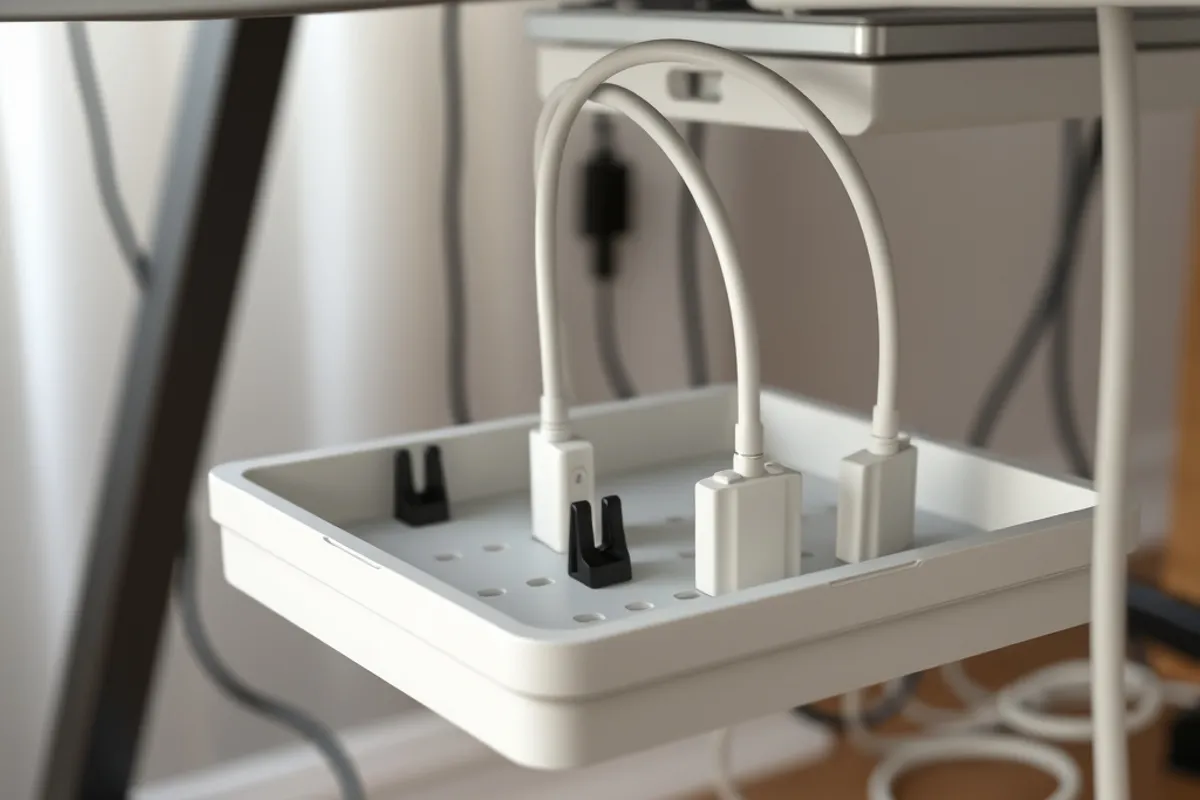
Cable management is not vanity. A tidy desk is easier to clean, harder to trip over and simpler to change when a device fails. Use a tray under the desk, label the power bricks and keep one spare cable of each type you actually use.

Spend in this order: chair, screen height, keyboard and mouse, lighting, then cable management. A dock comes last, after you know which ports you actually need. Buying a dock first often means paying for ports the next laptop will not use.
A setup you can keep
The best home office is boring in the right way. Everything has a place, the screen is at the right height and the cables do not move. You stop thinking about the setup and start thinking about the work, which is the only test that matters.
For the machine itself, read our laptop buying guide. For the sites you will build there, see our Web Design section.
Written by Clara Nguyen for Rhetts Cheuvront. Tips or corrections? Contact the desk.