Software·Ellis Ward·
Subscription Software Costs: A Practical 2026 Audit Guide
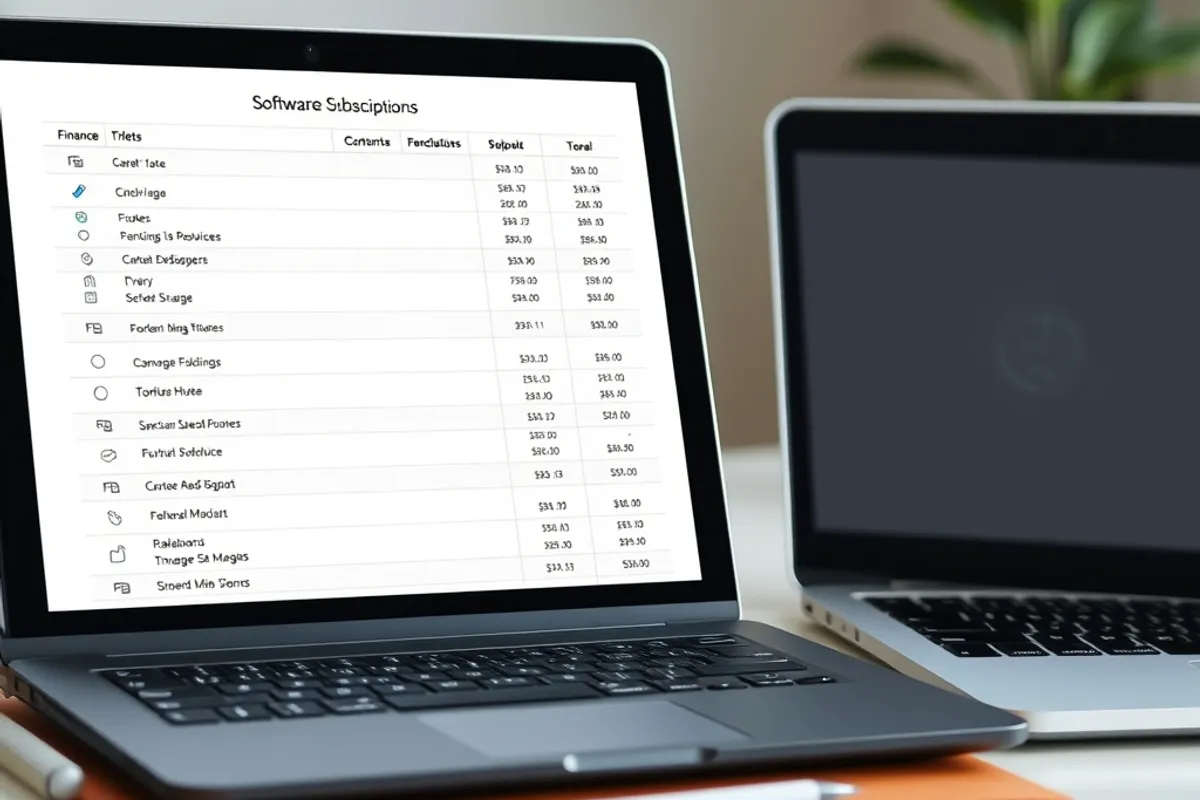
Most software bills grow one small renewal at a time. A two-hour audit usually finds more than a negotiation ever will.
Key facts
- List every recurring charge before judging any single one
- Seat counts drift upward after every hire and every contractor
- Duplicate tools hide in design, notes and project management
- Annual plans are only cheaper if the tool survives the year
Software bills do not usually jump because of one bad decision. They grow through small renewals that nobody questions: a design app kept for one project, a notes tool that duplicates the wiki, a meeting recorder added during a busy month and never reviewed.
The good news is that a subscription audit is cheap and fast. Two hours with a bank statement, an admin console and a shared document will usually find more savings than a month of negotiating with a vendor.
Start with the full list
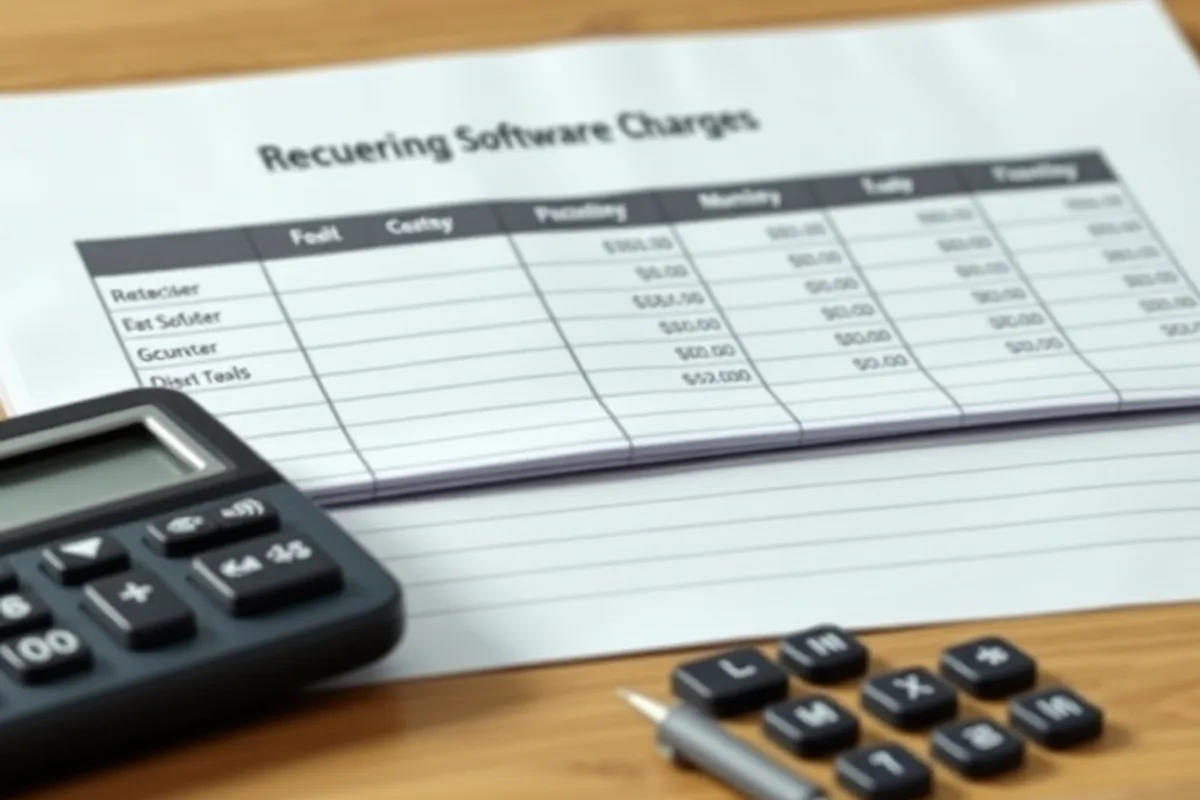
Export every recurring charge from the company card and bank account for the last twelve months. Include annual plans, because those are the ones that renew quietly. Sort by amount, then by how many people actually use the tool.
Do not judge a line until the list is complete. A tool that looks expensive may be the one thing holding a workflow together, while a cheap app multiplied across ten seats can cost more than the platform everyone depends on.
Find the four kinds of waste
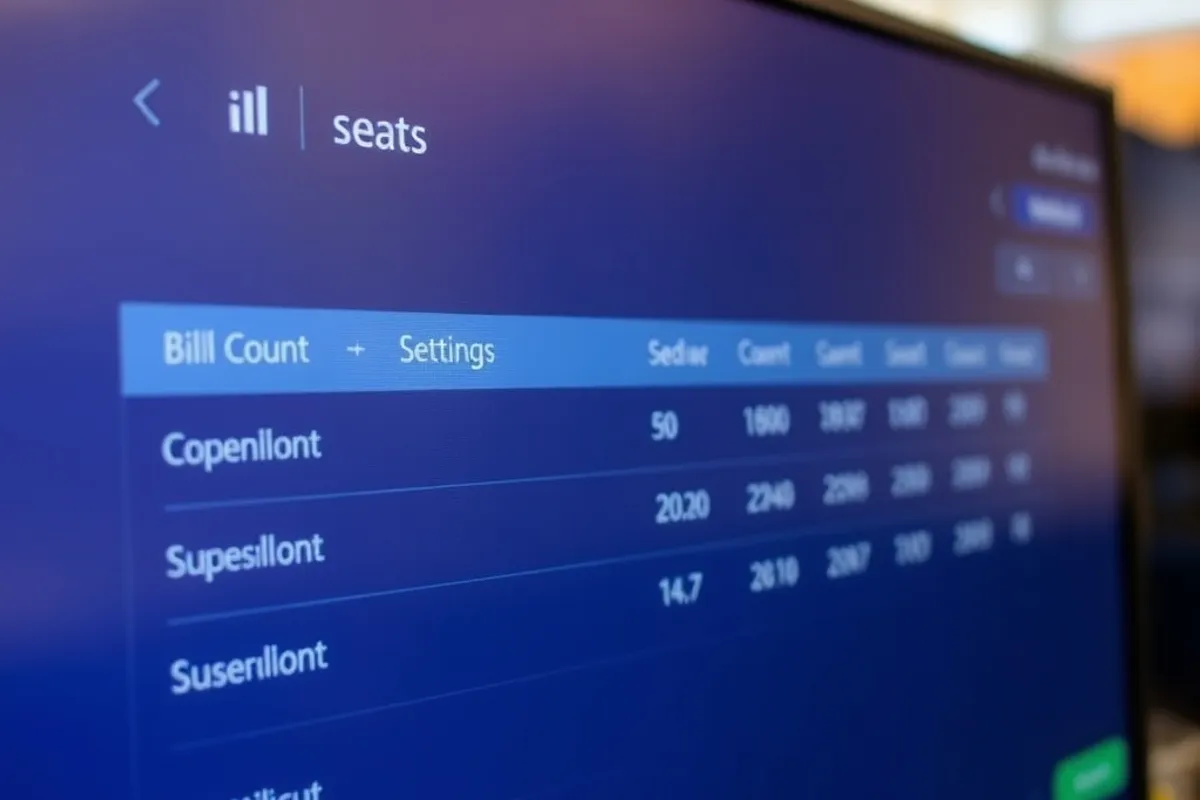
The first is unused seats: people who left, contractors whose projects ended, viewers who were given editor access. The second is duplication: two note apps, two design tools, three ways to schedule a post. The third is tier mismatch: paying for enterprise controls a small team never configures.
The fourth is the zombie subscription, a tool that is still renewing but has not been opened in ninety days. Usage data settles the argument. If the admin console shows no activity, the tool is not part of the workflow, however good the intention was.
The cheapest subscription is the one you cancel before it renews.
Cut without breaking the week
Work from the safest savings upward. Remove unused seats first, then cancel duplicates, then downgrade tiers. Never cancel the tool that holds the team's shared work without exporting the data and telling the people who rely on it.
For anything the team still uses, ask whether an annual plan is genuinely cheaper. It is only a saving if the tool survives the year. A monthly plan costs more per month but keeps the exit open while the workflow is still changing.
Build a renewal calendar
Put every remaining subscription on a calendar with the renewal date, the owner and the seat count. Set a reminder two weeks before each renewal, not on the day. The reminder is the control; without it, the audit becomes an annual rescue rather than a habit.
- One owner per tool, named in the calendar.
- A seat count reviewed after every hire and departure.
- A rule that new tools need a named owner before purchase.
- A quarterly check of tools with no activity in ninety days.

What to do with the savings
Do not simply bank the difference and forget the audit. Put part of it into the tools that are clearly working, especially the ones that remove a manual step or a recurring mistake. A team that reinvests a little in its best tools is less likely to accumulate replacements.

For the adoption side, read our team adoption guide. For the hardware budget, see our Hardware section.
Written by Ellis Ward for Rhetts Cheuvront. Tips or corrections? Contact the desk.