Hardware·Tobias Grant·
Laptop Buying Guide 2026: Specs That Actually Matter

Most laptop advice is a spec sheet with a commission attached. Here is what changes a working day, and what you can safely ignore.
Key facts
- Memory and storage decide longevity more than a faster processor
- A good keyboard and screen matter more than a thin chassis
- Check ports before you budget for a dock
- Repairability and battery replacement extend a laptop's useful life
A laptop is the most personal computer most people own. You touch it every day, carry it between rooms and depend on it when a deadline is close. Yet the buying conversation is usually about a processor name and a number that sounds bigger than last year's.
The spec sheet is not useless, but it is incomplete. The parts that decide whether a machine is pleasant in year three are often the ones the marketing page mentions last, if at all.
Memory and storage come first
For everyday work, 16 GB of memory is the sensible floor in 2026 and 32 GB is worth it if you keep a browser with many tabs, a design tool and a virtual machine open at once. Memory cannot always be added later, so buying the smaller option to save a little is a false economy.
Storage matters for the same reason. A 512 GB drive fills faster than people expect once photos, datasets and local copies of cloud files arrive. Check whether the drive is replaceable; on many thin laptops it is not.

The screen and keyboard decide comfort
A bright screen with a matte finish is easier to read than a glossy panel with a higher number on the box. For text work, resolution and colour accuracy matter less than sharpness, brightness and the ability to tilt the lid without washing out.
The keyboard deserves ten minutes of your own typing, not a review score. Key travel, spacing and the position of the arrow keys are personal. If you write all day, a slightly thicker machine with a better keyboard is the better purchase.
Buy the laptop you will still want to open in year three, not the one that wins a spec comparison today.
Ports, repairs and the real total
Count the ports before you plan for a dock. A machine with two USB-C ports and no HDMI can be fine, but the dock is part of the price. Check the charging method too: a proprietary charger is one more cable to replace.
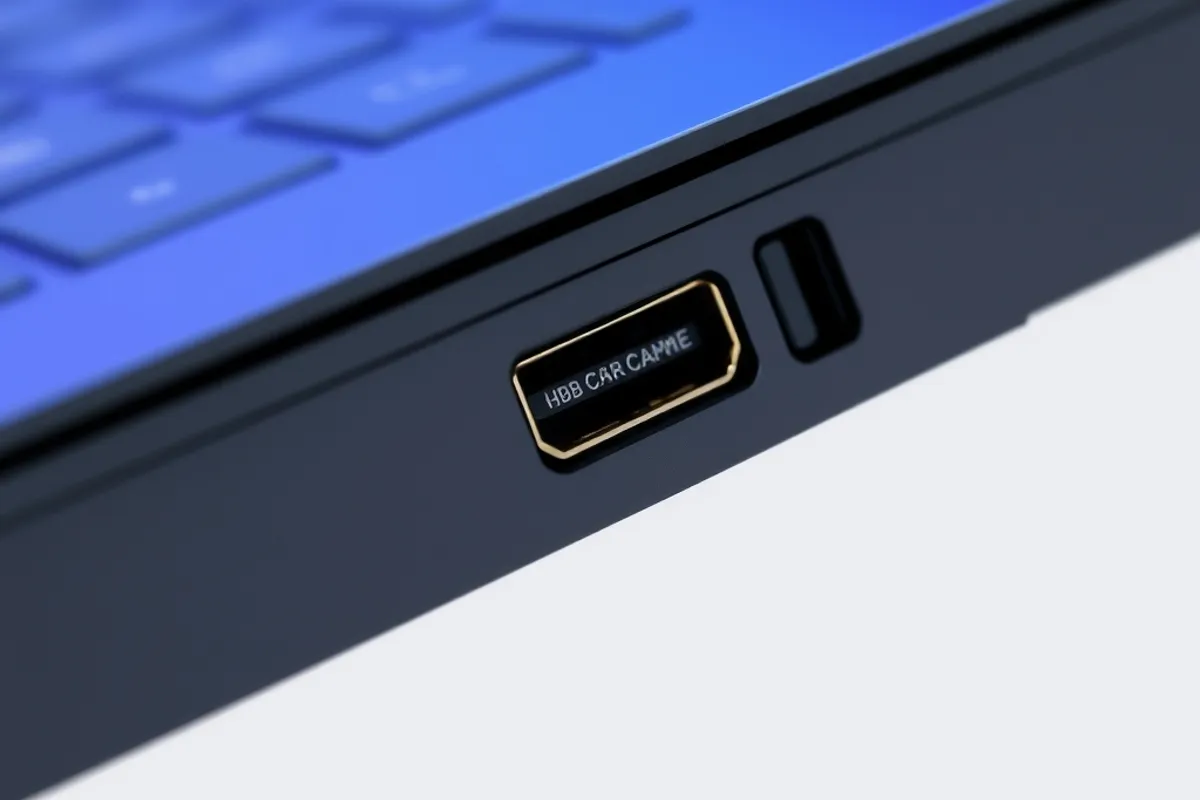
Repairability is the quiet spec. Look for a replaceable battery, accessible storage and published service manuals. A laptop that can take a new battery in year three is cheaper and less wasteful than one sealed shut for a marketing photograph.
Match the machine to the work
A writer, an accountant and a video editor need different machines. The writer benefits from a great keyboard and long battery life. The accountant needs a reliable screen and enough ports. The editor needs memory bandwidth, fast storage and a cooling system that can sustain a render.
- Write down the three tasks the laptop must do well.
- Set a memory and storage floor you will not go below.
- Try the keyboard and screen in person if you can.
- Add the cost of a dock, a sleeve and a spare charger.
- Check the battery replacement price before you buy.

When to buy and when to wait
Buy when your current machine is failing at a task you do every day, not when a new model is announced. A laptop that still opens quickly, holds a charge and runs your software does not need replacing because a benchmark moved.

For the desk around it, read our home office setup guide. For the software you will run, see our Software section.
Written by Tobias Grant for Rhetts Cheuvront. Tips or corrections? Contact the desk.