E-Commerce·Ava Sinclair·
Product Photography on a Budget for Small Online Stores

You do not need a studio to photograph a product well. You need consistent light, a clean background and a shot list you repeat.
Key facts
- Diffused daylight beats an expensive flash for most products
- A consistent background makes a small catalogue look professional
- Shoot from three angles and one detail close-up
- Clean the product and iron the fabric before touching the camera
Product photography looks expensive because the best examples are consistent. The light is the same, the background is the same and the product sits in the same place in every frame. Consistency reads as care, and care is what a stranger needs before they send you money.
A phone, a window and a piece of white card can produce a catalogue that looks deliberate. The equipment matters far less than the setup and the repetition.
Find the right light
Diffused daylight is the most forgiving light for most products. Put the product near a window but out of direct sun, and use a white sheet or a diffuser to soften the edge. Direct sun creates hard shadows and blown highlights that are hard to fix later.
If you shoot at night, use two lights at an angle rather than one on the camera. One light flattens the product and casts a hard shadow behind it. A second light or a white reflector fills the shadow without removing all of it.

Choose one background and keep it
A seamless white or light grey background suits most catalogues. Use a large sheet of paper or a painted board, curve it from the table to the wall so there is no horizon line, and keep the same setup for every product in the category.
A coloured or textured background can work for a brand, but it has to be consistent. If one product sits on marble and the next on wood, the store looks like a collection of borrowed photos rather than a shop.
Consistency is the difference between a catalogue and a camera roll.
A shot list you can repeat
Photograph each product from the same angles: front, side, back and a detail close-up. Add a scale reference if size is easy to misjudge. For clothing, add one image worn or held, because fit is the question the flat photo cannot answer.
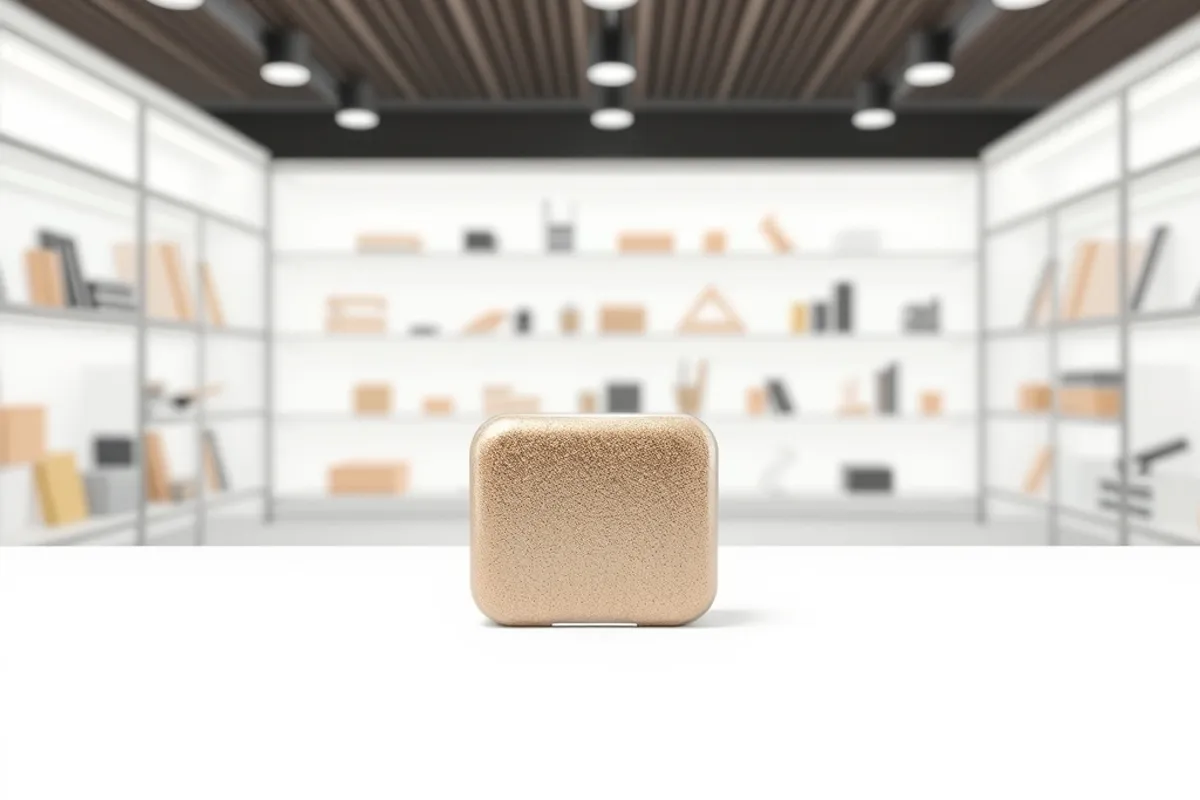
Clean the product first. Wipe fingerprints, iron the fabric and remove dust from dark surfaces. Retouching can fix a lot, but it is slower and less convincing than a clean object in front of the camera.
Phone settings and editing
Use the main camera, not the ultrawide, and tap to focus on the product. Lock exposure so it does not shift between frames. Shoot in the highest quality your phone offers, and keep the original files until the store is live.

Edit for consistency, not for drama. Match the white balance across the set, lift the shadows a little and crop to the same ratio. A colour chart is useful if accuracy matters, especially for clothing and homeware. Avoid heavy filters that make the product look different from what arrives.
The budget setup
- A phone with a main camera and a stable tripod.
- A window, a white diffuser and a white reflector.
- A seamless paper or painted board for the background.
- A simple editing app for crop, white balance and exposure.
- A folder structure that matches product names and angles.

For the page that uses the photos, read our store setup guide. For the brand around it, see our Web Design section.
Written by Ava Sinclair for Rhetts Cheuvront. Tips or corrections? Contact the desk.