Web Design·Lena Ortiz·
Web Design in 2026: Layouts That Load Fast and Convert
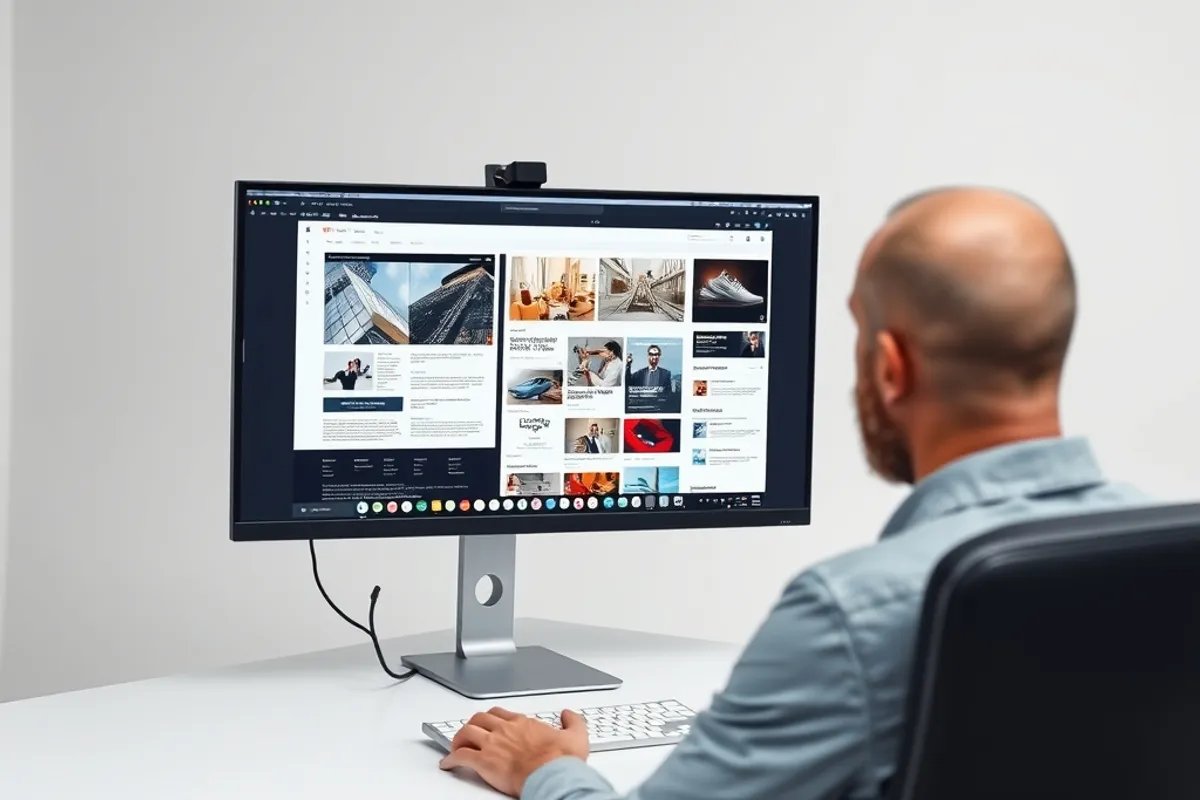
A beautiful page that takes five seconds to appear is a broken page. Here is how layout, weight and hierarchy work together.
Key facts
- Most visitors meet your site on a mid-range phone
- Layout stability matters as much as raw load time
- One clear action per screen beats five competing buttons
- Fonts, images and third-party scripts are the usual weight
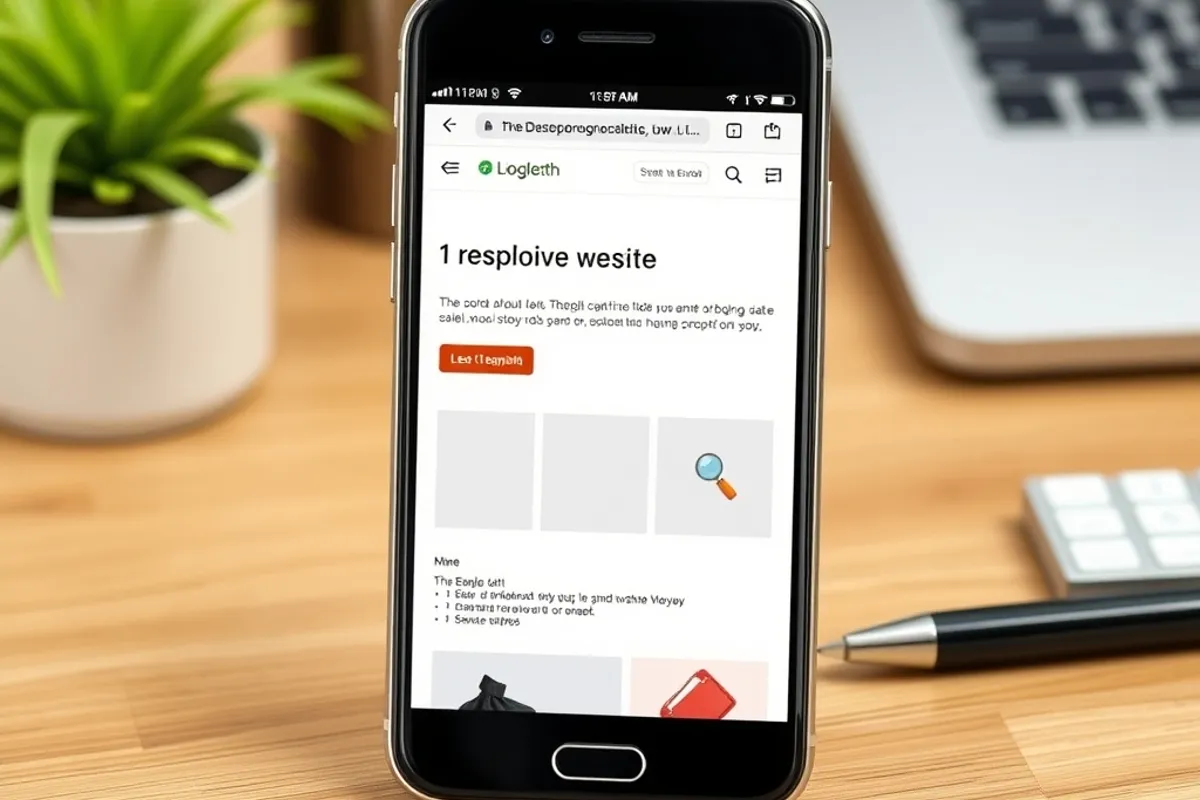
Web design is often judged in a screenshot. Real visitors judge it while a page is still loading, on a phone, with one bar of signal and a thumb already moving. The gap between those two views explains most of the difference between a site that looks good and a site that works.
Fast layouts are not plain layouts. They are layouts that decide what matters, load that first and let everything else arrive without moving the page around. That is a design decision as much as a technical one.
Design for the first second
The first screen should answer three questions: what is this, who is it for, and what can I do next. If the answer requires scrolling past a carousel, a cookie wall and a newsletter popup, the design is working against the content.
Pick one primary action per screen. A button beside four equally loud buttons is not a choice; it is a decision handed back to a visitor who has none of your context. Secondary actions can exist, but they should look secondary.
Weight is a design material
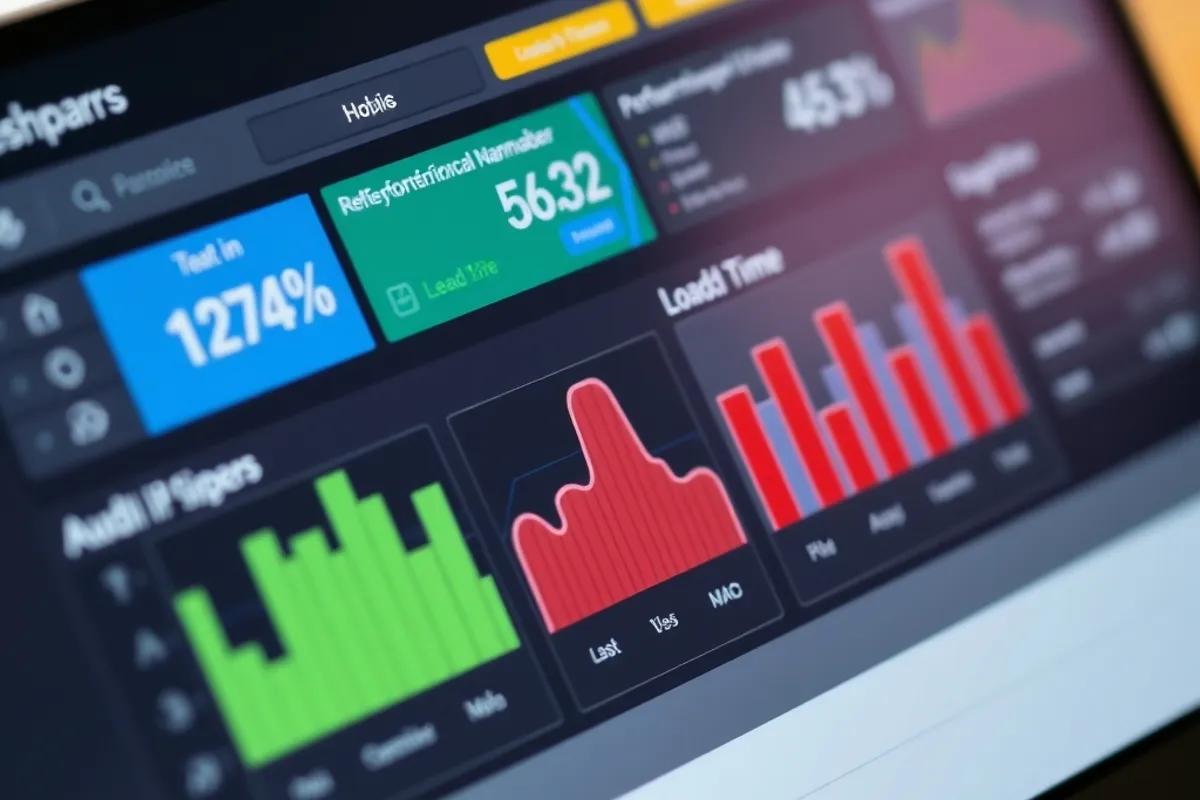
Every font weight, hero video and third-party widget adds to the page. The usual culprits are a display font loaded in five weights, uncompressed images and a chat widget that pulls its own framework. Measure the page before redesigning it; the biggest win is often deletion.
Use one or two font families, compress images to the size they are displayed and load scripts only where they are needed. A page that feels calm is often a page that simply has less on it.
Speed is not a technical score. It is the difference between a visitor reading your page and leaving before it renders.
Stability and hierarchy
Layout shift is the quiet killer. An image without dimensions, a late-loading banner or a font swap can move the button just as a thumb arrives. Reserve space for every element and test on a slow connection, not just on the office wifi.
Hierarchy is how a page tells someone where to look. Use size, spacing and contrast in that order. Colour is the last tool, not the first, and a page with six accent colours has no accent at all.
A short pre-launch checklist
Run this list before a redesign goes live. Each item is cheap to fix now and expensive to explain later.
- The page is usable on a mid-range phone with one bar of signal.
- Images have width and height set, and the largest is compressed.
- The primary action is obvious without reading every button.
- Text has enough contrast and can be enlarged without breaking the layout.
- No popup covers the content before the visitor has read anything.
Measure what visitors do
Watch completion, not applause. A page that gets compliments but loses visitors at the first scroll is not working. Use a simple funnel: arrival, first scroll, primary action. Fix the biggest drop first, one change at a time.
For the accessibility side, read our accessibility basics guide. For the store that sits on top of the design, see our E-Commerce section.
Written by Lena Ortiz for Rhetts Cheuvront. Tips or corrections? Contact the desk.